Instructions
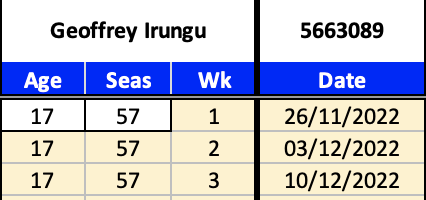
Player Details/Season Details entry section (click to enlarge)
- Enter your player's name into cell A1
- Enter your player's playerID into cell D1. The playerID will be used in the BTML Copy and Paste
- Enter your player's age into cell A4
- Enter the season number into cell B4
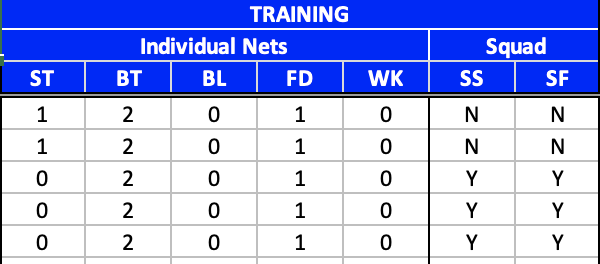
Training section (click to enlarge)
- Under Individual Nets, enter a number between 0 and 10 to indicate the number of nets used
- Abbreviations: ST = Stamina, BT = Batting, BL = Bowling, FD = Fielding, WK = Wicketkeeping
- Under Squad training, enter Y or N to indicate if squad training was used
- Abbreviations: SS = Squad Stamina, SF = Squad Fielding
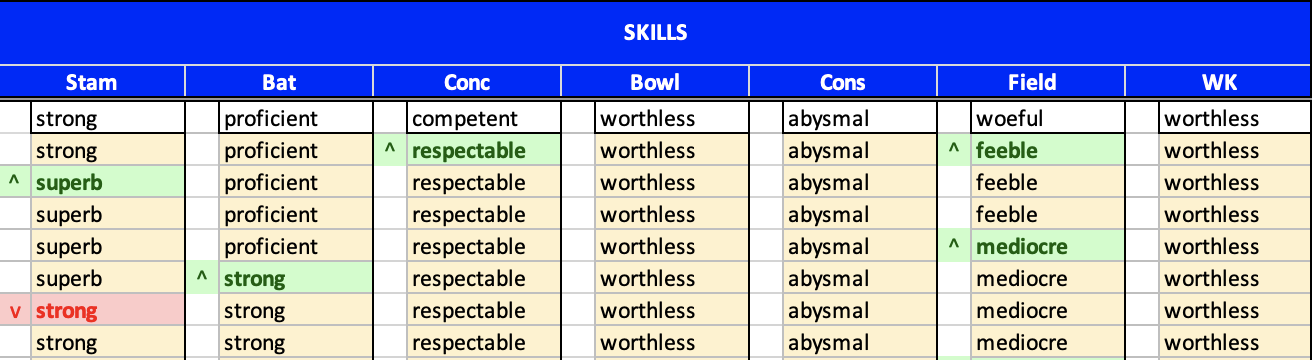
Skills section (click to enlarge)
- Enter your player's starting skills into cells M4, O4, Q4, S4, U4, W4 and Y4 using the drop down menu
- In any week that a player's skill increases (pops), mark this using a ^ in the column to the left of the skill
- In any week that a player's skill decreases (plops), mark this using a v in the column to the left of the skill
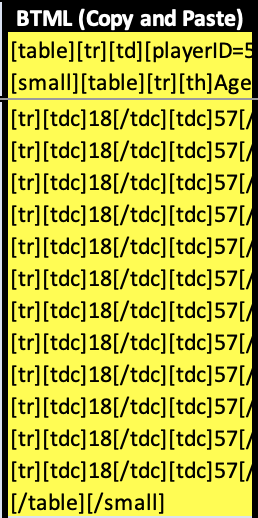
BTML Copy and Paste section (click to enlarge)
- In column AA, BTML is created for the details entered. This can be copied and pasted straight into BT sledging boards.
- You can only enter data into cells with a white background. Coloured cells are protected and cannot be changed.
- Sheets and workbook are protected (without a password) to prevent accidental deletion of data.